
Upload photos and videos
Add photos and videos to a horse's Media tab
On the horse's Media tab, click Add Media at top right.

Drag and drop files onto the upload area, or click Upload files to choose them from your device. Photos can be JPEG or PNG up to 10MB, and videos MP4 or MOV up to 100MB. You can add several files at once. Click a file name to rename it, or the bin beside a file to remove it before saving.
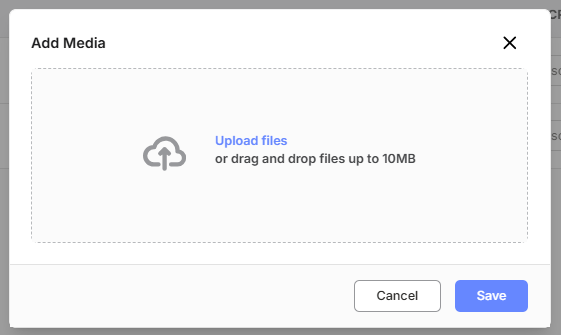
Click Save to upload the files and return to the Media tab.
Note - a new video shows Preparing video for a short time while it is processed, then appears without refreshing the page.
Note - files of another type, or over the size limit, are refused with a message giving the allowed formats or the maximum size.