
(Mobile) Know Your Way Around
What the EPONA mobile app does, and where to find things in it
The EPONA mobile app is for work away from the office, such as looking up a horse or a contact in the stable, adding a horse as it arrives, or taking photos in the paddock. It uses the same workspace as the web app, so anything you add on your phone appears in EPONA on the web.
Note - other articles in this help centre describe the web app unless their title starts with (Mobile).
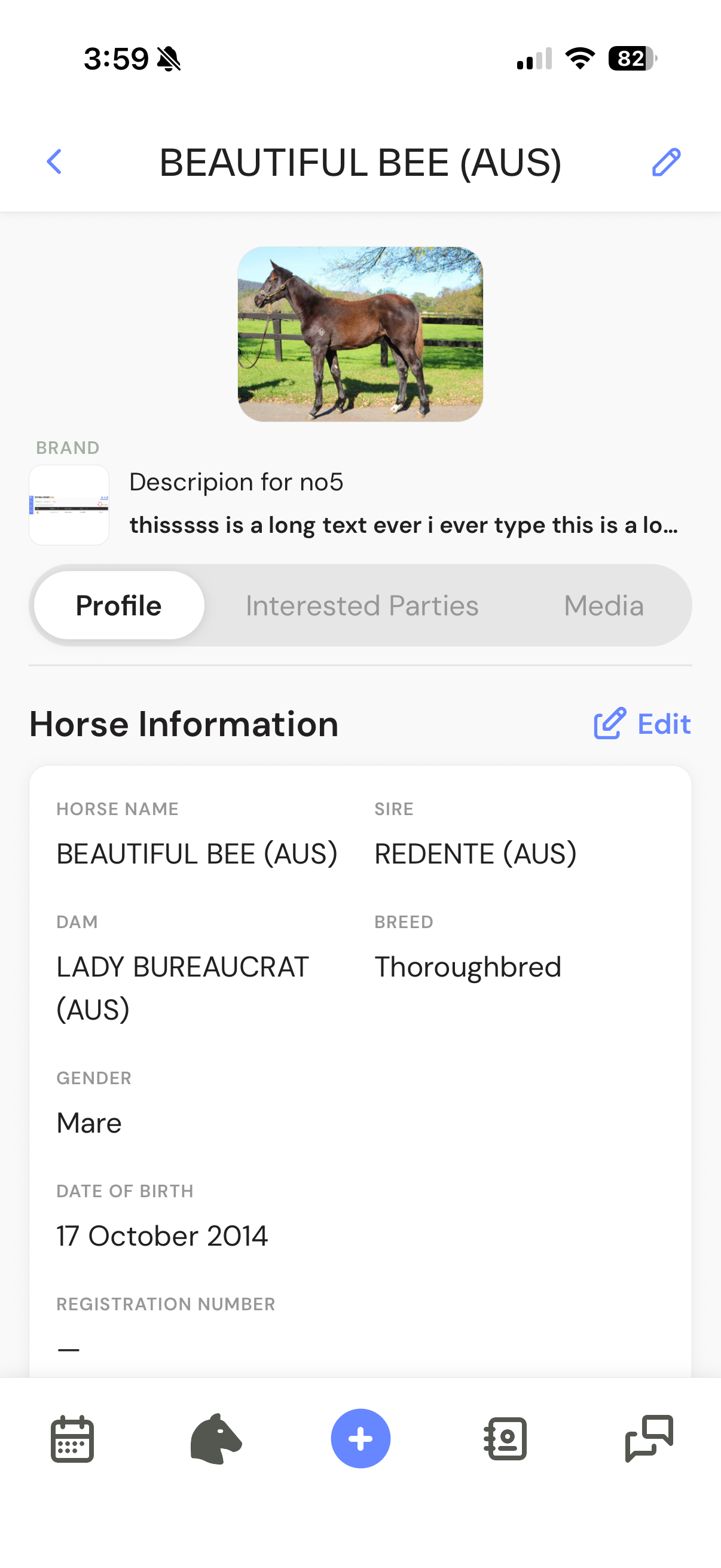
The bar at the bottom of the screen
- Horse head icon - Horses. The app opens here
- + in the centre - Quick add
- Address book icon - Contacts
- Speech bubbles icon - Comms, for horse updates you have drafted and sent
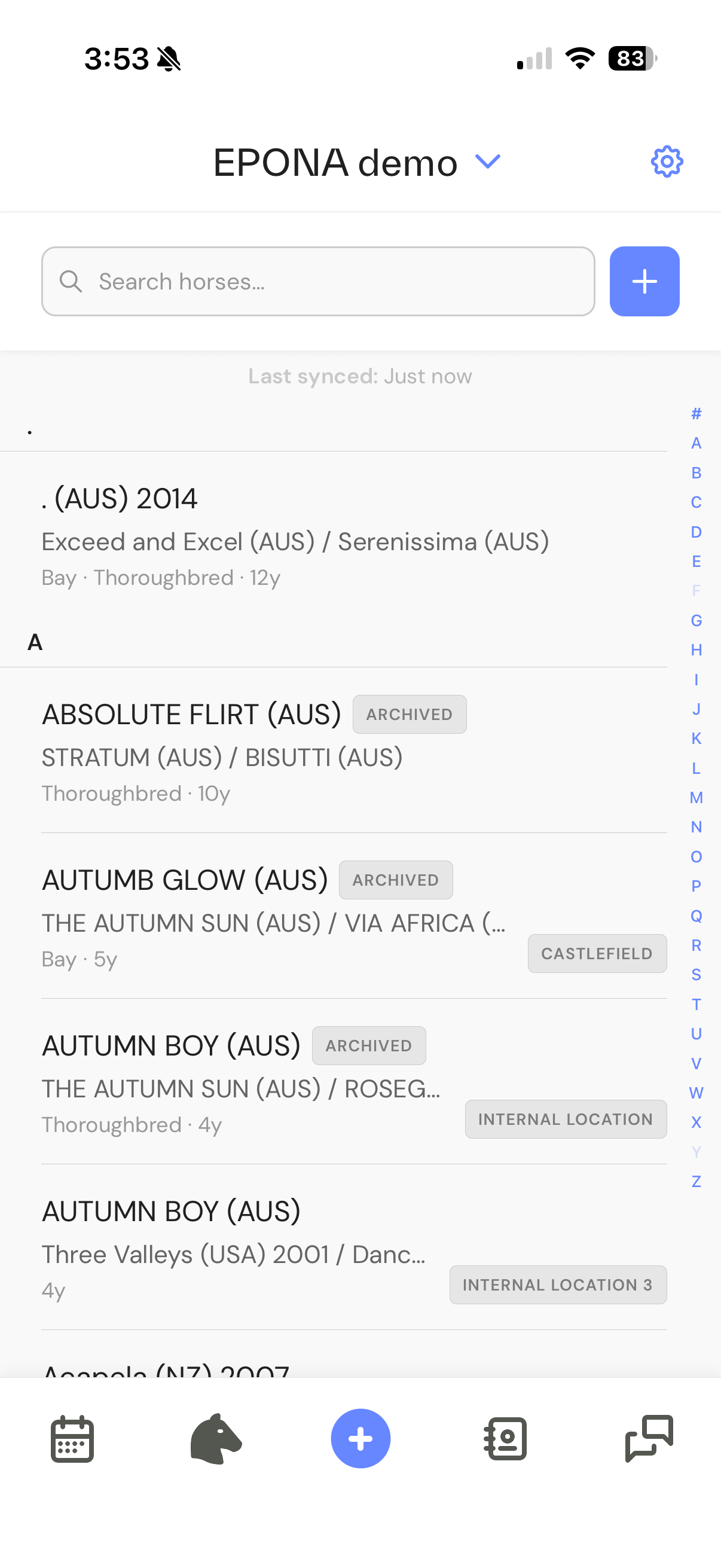
Tap the gear icon at top right of the Horses, Contacts or Comms screen to open Settings, where you can edit your profile or sign out.
Get started
Horses and contacts
Photos, voice notes and horse updates
Related articles: (Mobile) Delete a user or account