(Mobile) Switch workspace
Move between workspaces if you belong to more than one
If you belong to more than one EPONA workspace, you can move between them without signing out.
- Tap the horse head icon at the bottom of the screen to open Horses.
- Tap the workspace name, with the down arrow next to it, at the top of the screen.
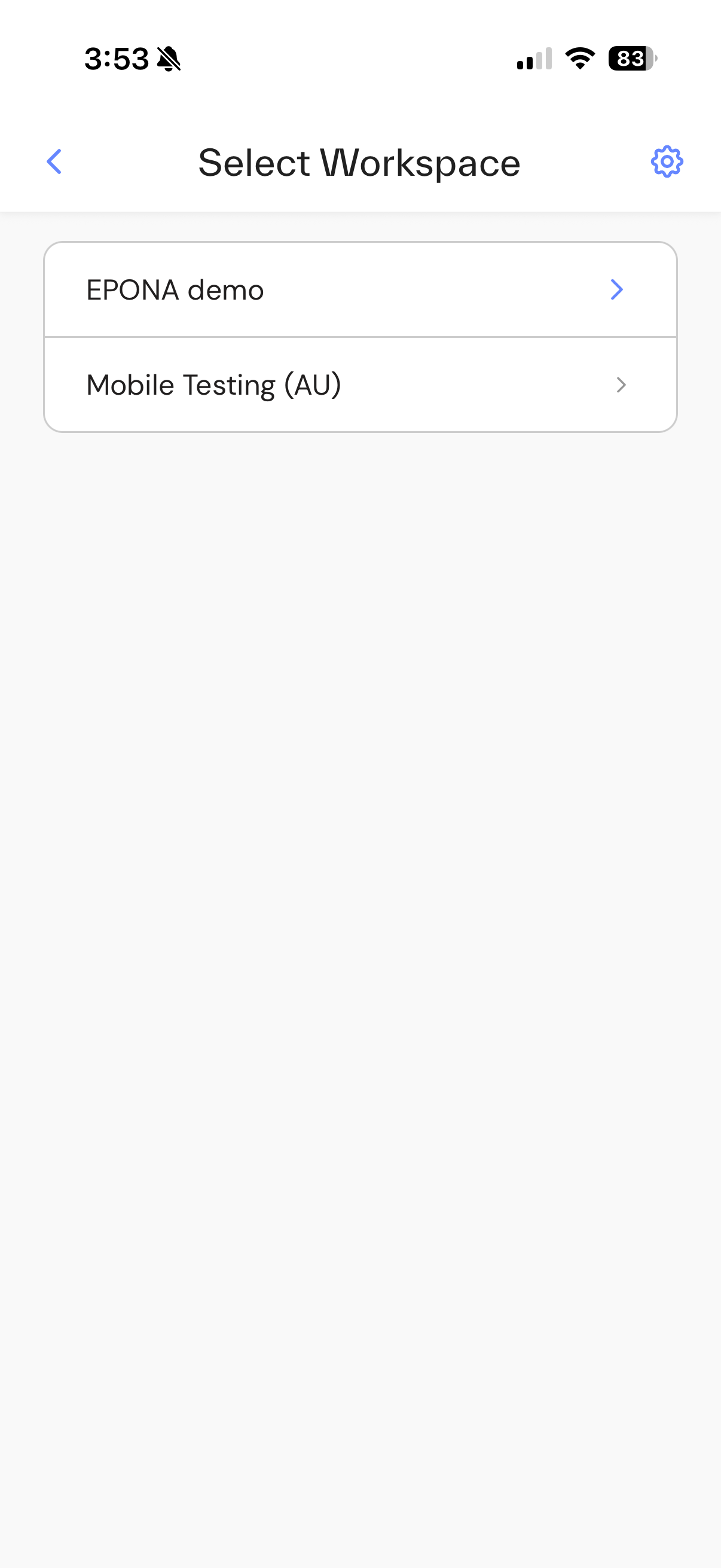
- Tap the workspace you want in the Select Workspace list.
The app switches to that workspace. The workspaces you visited most recently are at the top of the list.
If a workspace you expect is not listed, ask that workspace's Admin to add you.