
Know Your Way Around
EPONA is a powerful, cloud-based platform designed specifically for the equine industry, ideal for equine service providers, veterinary practices, farms, and trainers. It simplifies horse management and client billing and offers seamless automatic integration with Xero for end-to-end financial visibility.
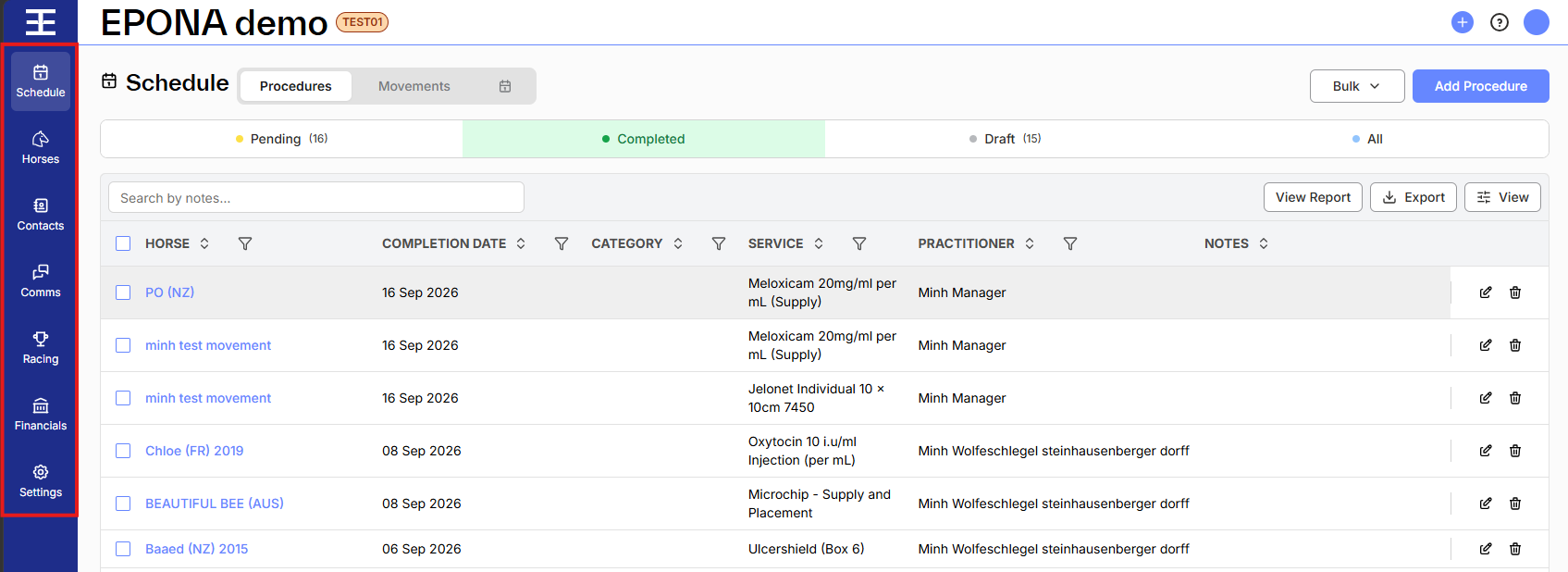
From the navigation menu at left of screen, you can easily access EPONA’s core functions. Here's an overview of what you'll find:
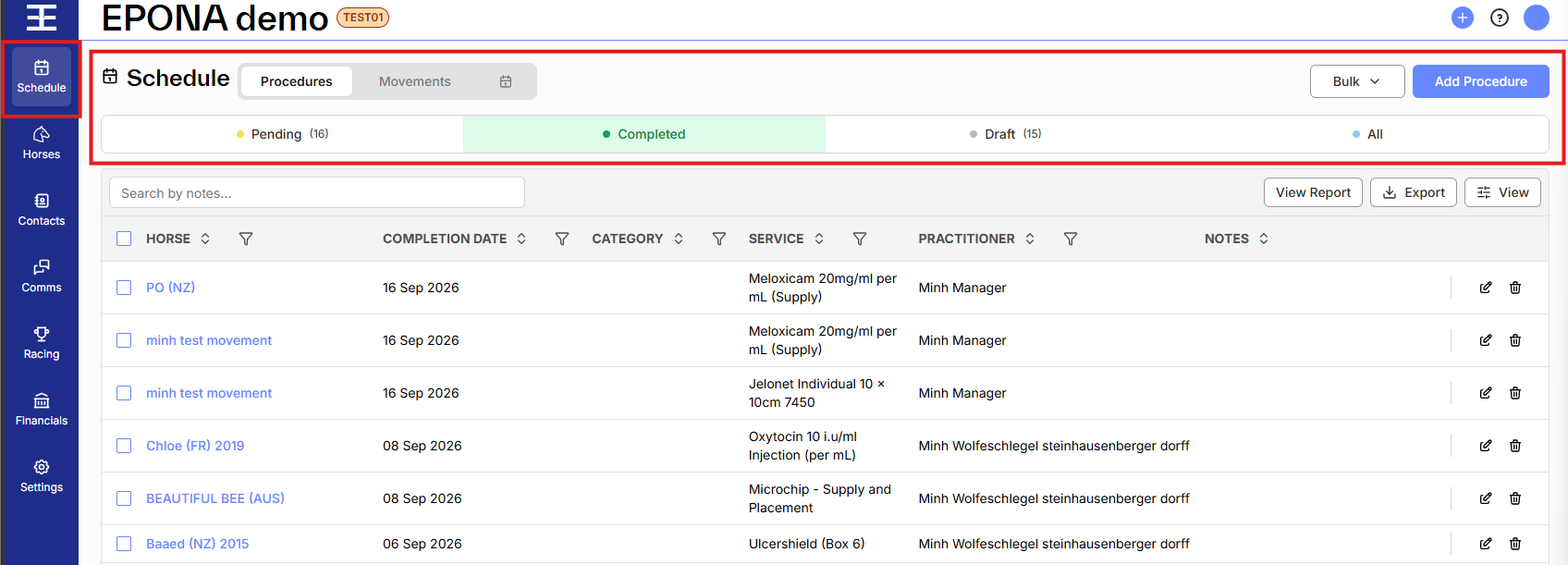
You may view and enter scheduled (and completed) Procedures and view the Calendar to check for upcoming procedures due. Filter by status to stay on top of what's completed, pending, scheduled or in draft. Under Movements you can review and create horse movements and location changes.
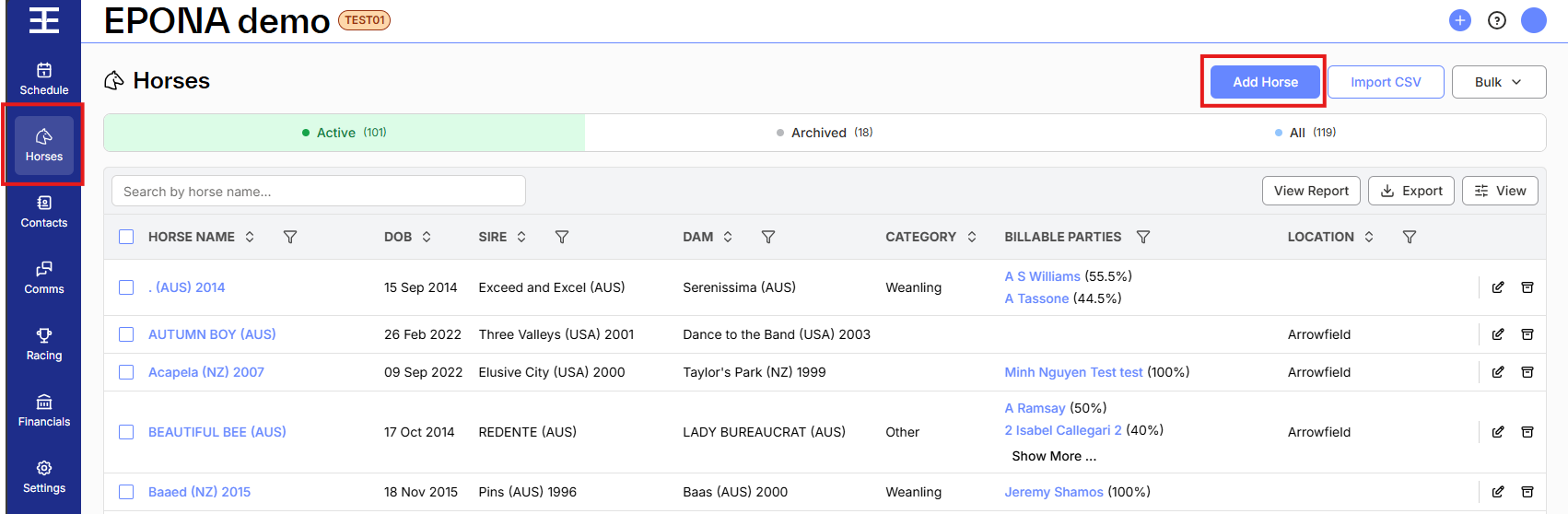
Browse and manage your active horse list and add new horses as well as import horses via a CSV file. For each horse, access the profile, manage interested parties, track procedures and review transactions (charges).
Keep track of where the horse is located, create movements and view current and historical daily charges. You can upload or view media, as well as create and view communications all from inside the Horses screen.
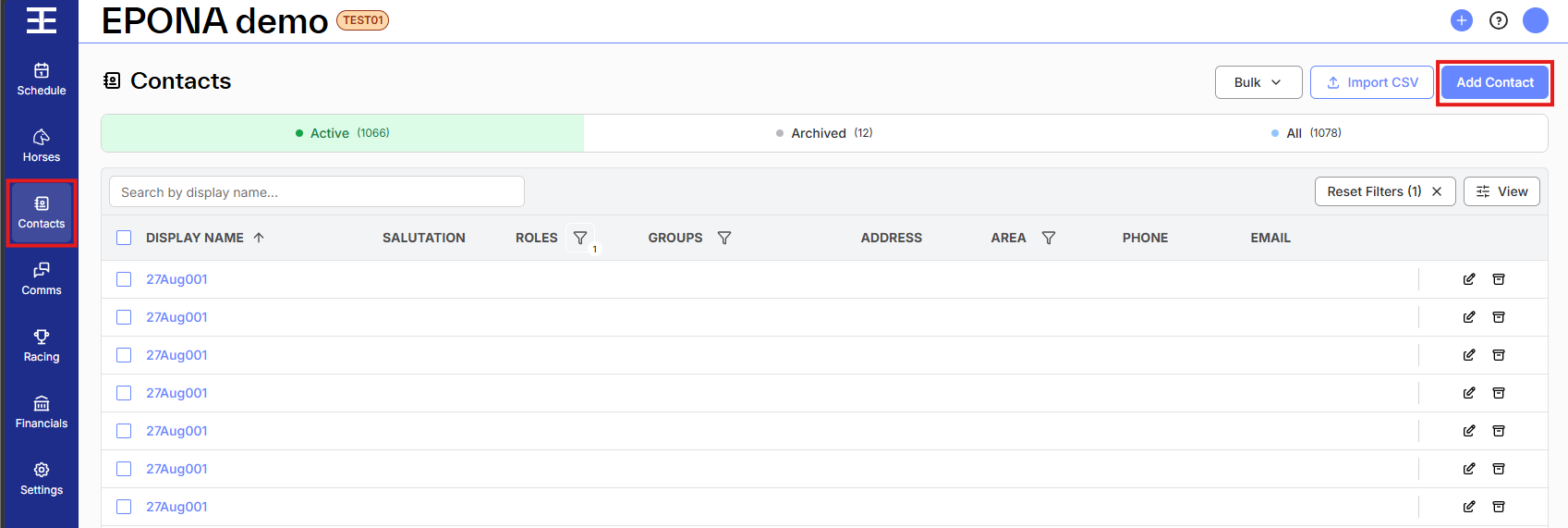
Manage existing contacts and add new contacts. New contacts can be added manually or by importing a CSV file. Contacts include owners (billable parties) and also interested parties for horses. Service providers can also be added. In Epona it's easy to link contacts to horses, transactions, or procedures performed.
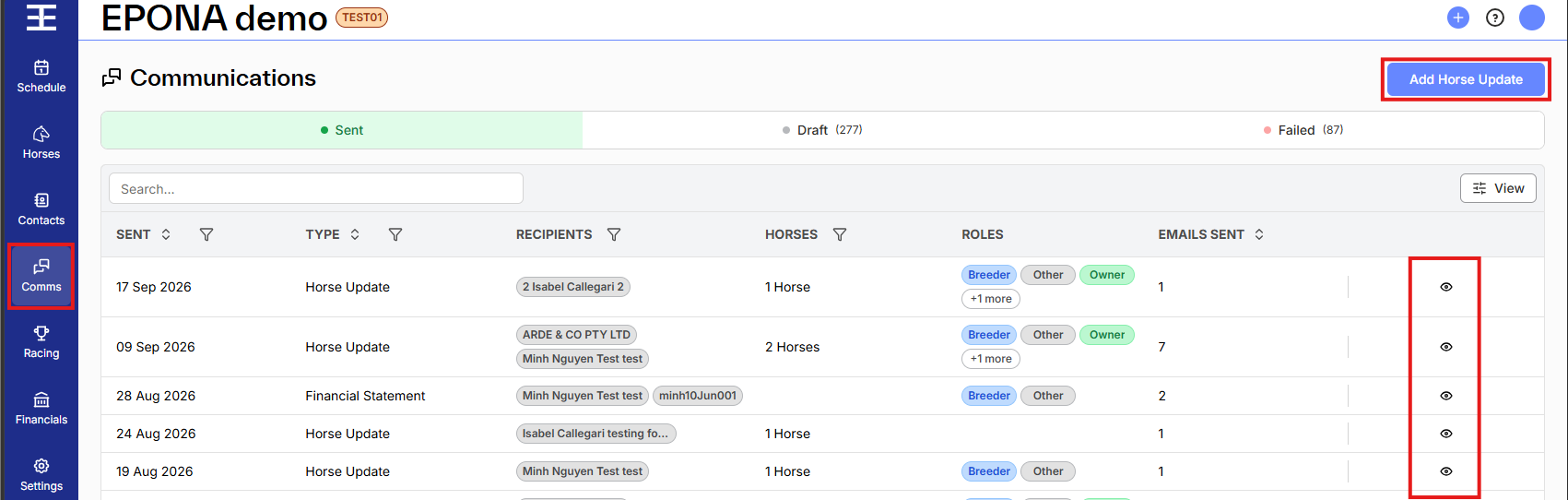
Comms functions in Epona are powerful and highly customisable. You can control the format of communications, and set which procedures and events in your database should generate an email to horse owners. Email communications can be created, reviewed and sent via the Comms screen.
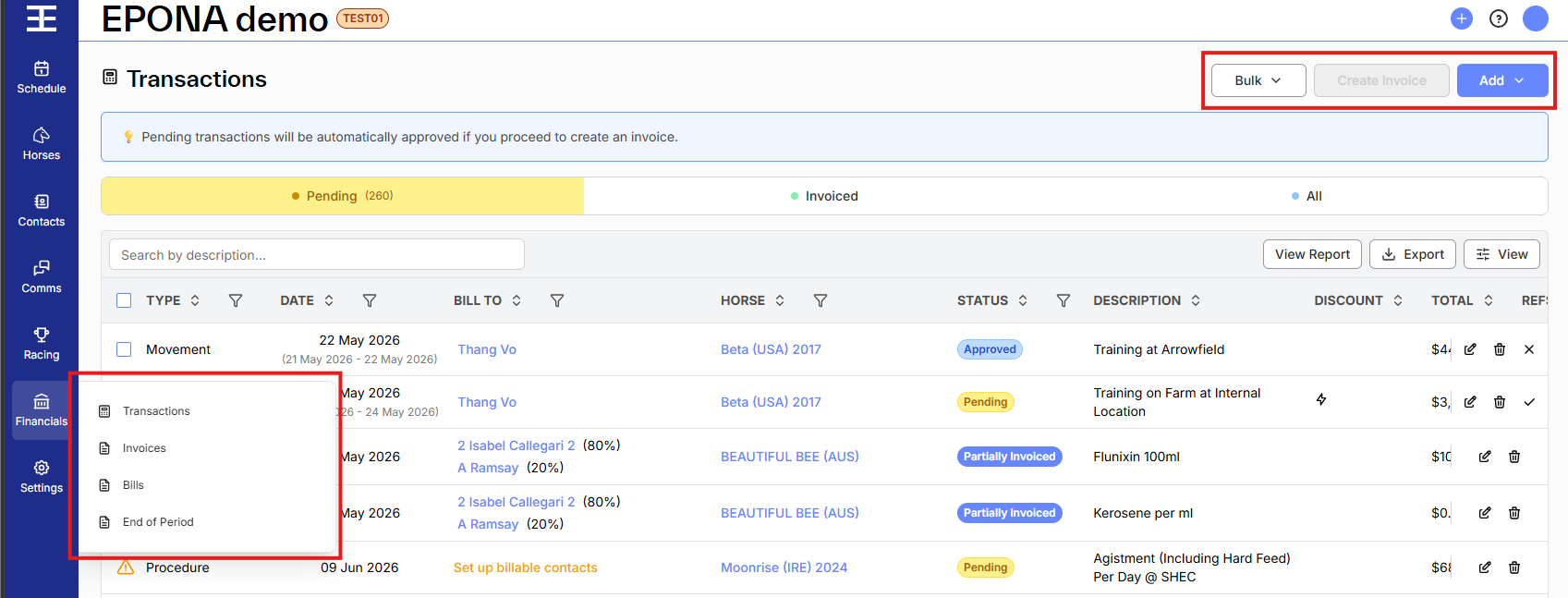
Designed for database managers and administrators, this module allows you to view, edit, and manage all accounting transactions as well as create, view, print and email invoices to clients. Also under Financials is the ability to validate and review all work, and horse movements and daily charges, ready for End of period client billing.
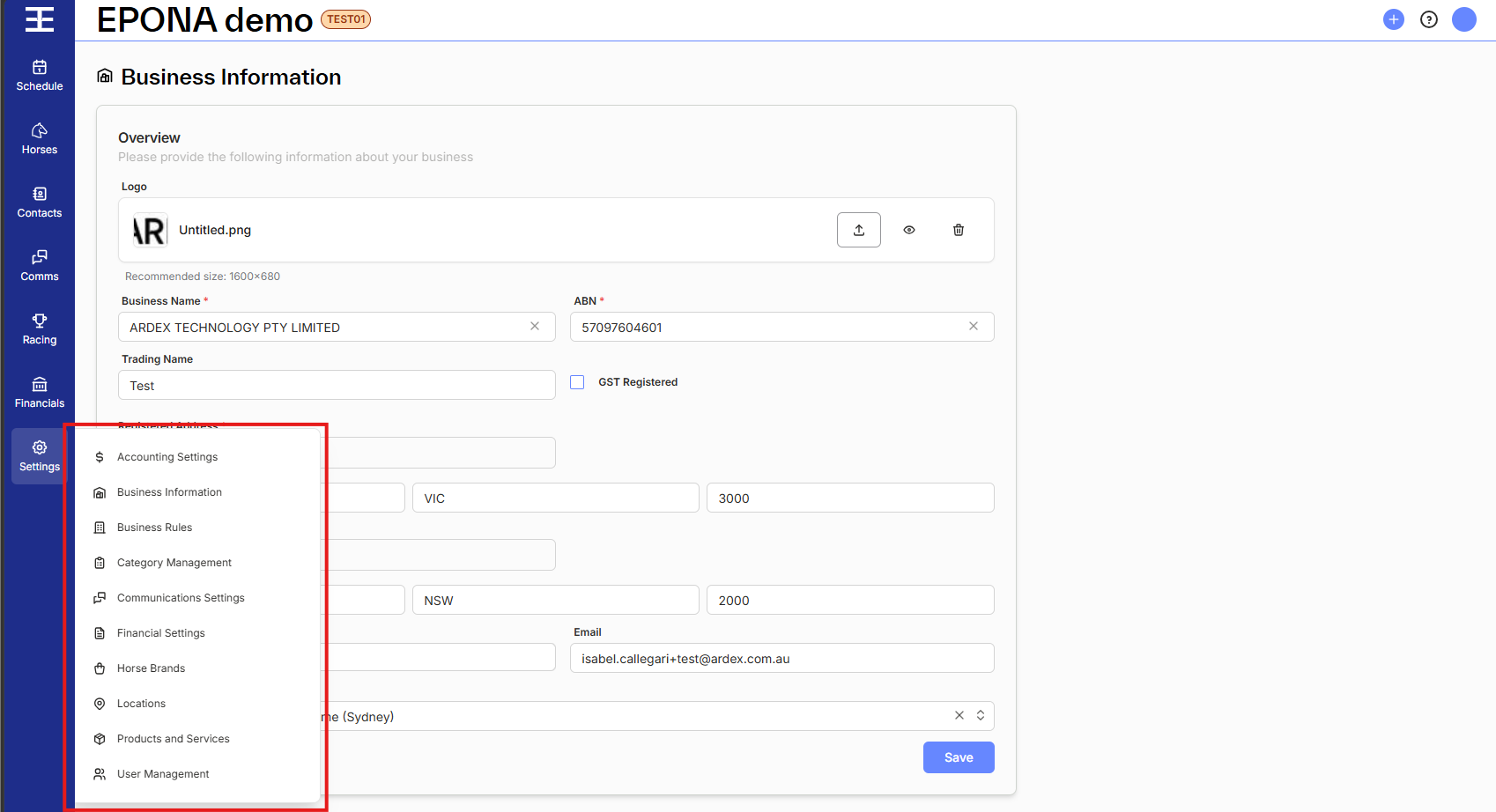
Available to admins only, this section lets you configure your workspace by:
- Business Information - Set up and modify up your business profile
- Products and Services - Create lists of procedures and products your business provides
- Locations - Create locations (properties) and link facilities (stables, barns, paddocks) for horses
- Account Settings - Set up and maintain integration with Xero (accounting system)
- User Management - Add and manage database users and their application permissions
- Business Rules - Automate procedure creation, bundle procedures and products and set discount rules
- Communications Settings - Setup email communications templates with branded graphics and text customisation for various advice types
- Financial Settings - Setup customer payment terms, customise invoice numbering and financial communications email templates
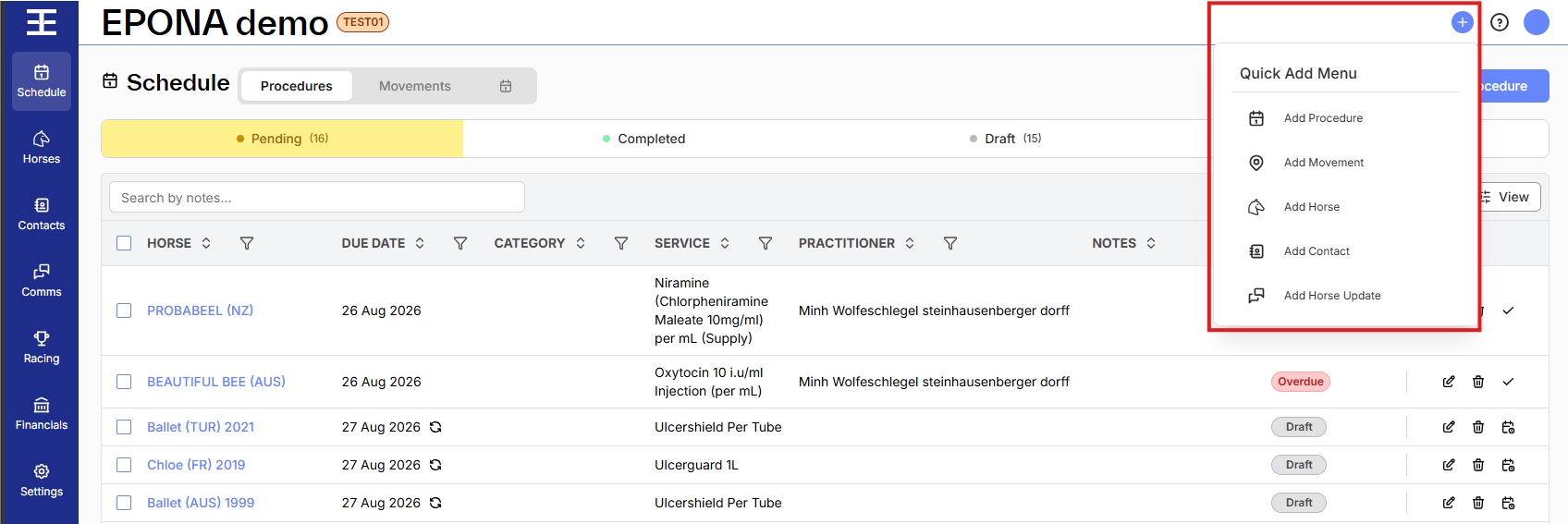
Quick Add Menu ("+" on the top right)
The Quick Add Menu is accessible from any screen and allows the following items to be added quickly and easily:
- Procedures (recurring services provided to horses)
- Movements (record changes to horse location and daily charge rates)
- Horses (with stud book verification of horse details)
- Contacts (clients, horse owners, service providers, interested parties)
- Horse Updates (email communication on horse progress while in your care)
EPONA on your phone
The EPONA mobile app gives field staff a lighter version of EPONA for work in the stable or paddock: looking up horses and contacts, adding horses, capturing photos and voice notes, and sending horse updates, with or without signal. See (Mobile) Know Your Way Around for setting up the app and how it differs from the web app.